Meta glasses storage · 2026
Meta glasses storage: how much there is, and how to get it back
Ray-Ban Meta and Oakley Meta glasses keep your photos and videos on the frames until you move them to your phone. This guide gives Meta's own storage figure for each model, what happens to captures on the way to your phone, and the steps that free space, with a plain note on what Meta does not say.
Still deciding? Get the M08 and M02C comparison in your inbox, with your new-customer price already applied.
One email with the comparison, one follow-up a few days later. Unsubscribe any time.
1. How much storage each Meta model has
Every Meta model we checked has 32GB of flash storage. We read each product page on meta.com on November 12, 2026, and the number does not change between Ray-Ban Meta generations, the two Oakley Meta frames or the Meta Ray-Ban Display. What changes is how Meta describes it, so the table below quotes each page rather than averaging them.
| Model (Meta’s page) | Storage as Meta lists it |
|---|---|
| Ray-Ban Meta (Gen 1) | 32GB flash storage. The bullet says 500+ photos, 100+ 30s videos; the specifications say 1,000+ photos, 100+ 30s videos |
| Ray-Ban Meta (Gen 2) | 32GB flash storage (1,000+ photos, 100+ 30s videos) |
| Ray-Ban Meta (Gen 3) | 32GB flash storage (1000 photos, 100+ 30s videos) in the bullets; 1,000+ photos in the specifications |
| Oakley Meta HSTN | 32 GB flash storage (1,000+ photos, 100+ 30s videos) |
| Oakley Meta Vanguard | Specifications: 32GB flash storage, 1000+ photos, 100+ 30s videos |
| Meta Ray-Ban Display | Internal storage 32 GB flash; stores up to 1,000 photos, 100+ 30s videos. A separate line lists 2GB LPDDR4x memory |
| Meta Glasses Adventurer | Internal storage 32GB flash; stores 1000 photos, 100+ 30s videos |
Meta pages read November 12, 2026; Meta can change them.Meta’s Ray-Ban Meta FAQ states it directly: “Ray-Ban Meta glasses come with 32GB of internal storage.” The page for each style carries the photo and video counts. Our guides on Meta glasses camera specs and what Meta stores and what you control cover the camera and data side.
2. What the photo and video counts mean
Meta’s figure is 1,000+ photos and 100+ videos of 30 seconds. Two things are worth knowing before you plan around it. First, the pages give the two counts side by side and do not say how they combine, so you should not assume you get a thousand photos and a hundred clips at the same time from one 32GB. Second, the pages do not say how the counts change with the video quality you choose. Higher quality generally means larger files, but Meta does not publish a count per setting.
The memory is not only for your captures either. Meta’s Ray-Ban Meta FAQ says the memory “is used to store photos, videos and audio recordings captured by the glasses” and that it “also enables features like voice commands and text-to-speech.” So the 32GB is a shared pool, and you should read the counts as Meta’s rough guide, not a guarantee.
One more honest point on the Gen 1 row. That page lists 500+ photos in its feature bullet and 1,000+ in its specifications. We quote both because we cannot tell which one Meta considers current. If you are buying a Gen 1, ask the seller what they mean by it.
3. Why captures stay on the glasses until you import
Photos and videos stay on the glasses until you import them.Meta’s help page on media storage says media you capture is stored on your glasses until you import it into the Meta AI mobile app. Another Meta page adds that media must be imported before you can view or share it, and that the glasses must be connected to the app to do so.
The import itself works like this, as Meta describes it:
- Manual import. Turn on Bluetooth on your phone and keep the glasses paired. In the Meta AI app, tap Glasses (top right). If you have unimported captures, an Import button appears next to Photos. Tap it.
- Auto-import.It is on by default for Android (13 and later) and iOS. It runs when the glasses are switched on and either in the charging case or with the hinges closed, and your phone’s Bluetooth and Wi-Fi are on. Meta recommends more than 30% battery on the glasses. You can switch it off under Glasses, Device settings, your glasses, Media.
- During import. Media passes through a temporary cache in the Meta AI app that clears itself shortly afterwards. You can clear it by hand under Device settings, Media, Clear cache.
- After import.Meta says media “is removed from your glasses and saved to your phone’s photos app” after importing. That removal is what gives the glasses their space back.
A practical consequence: the phone needs room for the files as well. Meta’s page does not state a free-space requirement, but because import copies media into your phone’s own photo app, a phone with no space left has nowhere to put it. If the app cannot reach the glasses at all, our not-connecting guide covers the pairing fixes, and how to update Meta glasses covers the software side.
4. If the glasses or your phone run out of room
Meta’s pages we read do not say what happens when the glasses’ memory is full.We looked for a storage-full message, a description of what the camera does at the limit and a recommended threshold, and found none on the Meta spec and help pages we read. Anything more specific you read on forums is a user’s report, not something Meta documents, and we have not repeated it.
What Meta does document is the way out, so work through it in this order:
- Open the Meta AI app and see whether an Import button is showing next to Photos.
- Make sure the glasses are on, the hinges are closed or they are in the case, and Bluetooth and Wi-Fi are on.
- Let the import finish before you delete anything from the app.
Our suggestions (not from Meta):free some space on the phone first if it is nearly full, and charge the glasses before you start. Meta’s more-than-30% battery advice applies to auto-import only, not to a manual import.
If the import never starts, start with Meta’s pairing help or the guides linked in the section above rather than guessing at fixes.
5. Deleting captures
Deleting in the app deletes from your phone, not from the glasses.Meta says the Photos tab in the Meta AI app shows your phone’s own photo library with your permission, so deleting media in the app deletes it from your phone’s photo app. Because imported captures have already left the glasses, deleting them does not free glasses space. It frees phone space.
We found no Meta help page that describes deleting individual captures from the glasses before they are imported. The one documented way to empty the glasses without importing is a factory reset: Meta says it “deletes all the photos and videos on your glasses” and that you must pair them with the Meta AI app again afterwards. Meta gives separate steps for Ray-Ban Meta and Oakley Meta and for the Meta Ray-Ban Display. It wipes everything, so treat it as a last step after you have tried to import.
If you delete a photo on your phone or revoke the app’s permission to your photo library, Meta notes that media may simply stop appearing in the app’s Photos tab. That is a permission issue, not a storage issue.
6. What goes to Meta’s cloud
Ordinary captures stay on the glasses and then your phone; the cloud is for certain features.Meta’s cloud media page says features such as sharing with your voice (“Hey Meta, send a photo”) may send your photos and videos to Meta’s cloud for processing and temporary storage, kept for thirty days and then deleted automatically. You can turn this on or off under Glasses, Device settings, your glasses, Glasses privacy, Cloud media. Meta adds that deleting photos or videos in Photos also deletes them from the cloud as well as your phone’s photo app.
So on the storage question, the cloud does not act as an overflow for the glasses. It is a short-term copy for a feature. For the longer privacy picture, including voice recordings, read our Meta glasses privacy guide.
7. If you are choosing a pair
Storage is one line on a spec sheet, and 32GB covers the models above. If the Meta app is the part you would rather avoid, the OXIVUE M08 is $99 at checkout (listed $149) and the M02C is $109 (listed $159). Both use a free companion app with no Meta, Facebook or Instagram account, and capture starts only when you touch the temple. The M08 has an 8 MP camera and weighs about 42 g, with 7 hours of listening and 4 hours of calls; the M02C adds a Sony IMX219 sensor, IP65 for dust and water jets (not immersion) and voice-activated visual AI. Neither has a display, and neither takes prescription lenses.
You can compare every OXIVUE model on the comparison page, and if you plan to record people, read our smart glasses recording laws by state guide. We have not quoted any Meta prices on this page.
Shipping, refunds and warranty. Free shipping from $99. US orders typically arrive in 5–9 business days; international orders take 9–14 business days after shipment, and import VAT or duties outside the US are paid by the recipient. No refunds except transit damage (replaced or refunded); faults are repaired or replaced under the 2-year warranty; change of mind and unmet expectations are not refundable. See the shipping policy and warranty, or ask us on the support page.
Frequently asked questions
How much storage do Meta glasses have?
32GB. Every Ray-Ban Meta, Oakley Meta and Meta Ray-Ban Display page we checked on meta.com on November 12, 2026 lists 32GB of flash storage, and Meta's Ray-Ban Meta FAQ says the glasses come with 32GB of internal storage. The pages we read list no other capacity and no way to add storage. The figure is the same across Gen 1, Gen 2, Gen 3, Oakley Meta HSTN and Oakley Meta Vanguard.
How many photos and videos fit on Meta glasses?
Meta lists 1,000+ photos and 100+ 30-second videos for the 32GB. That line appears on the Ray-Ban Meta Gen 2 and Gen 3, Oakley Meta HSTN and Vanguard and Meta Ray-Ban Display pages we read (checked November 12, 2026). The Gen 1 page is inconsistent: its feature bullet says 500+ photos while its specifications say 1,000+. Meta does not say how the counts change with video resolution, so treat them as Meta's own estimate.
Are videos stored on Meta glasses?
Yes, until you import them. Meta's help centre says media you capture is stored on your glasses until you import it into the Meta AI mobile app. During import it is copied to your phone's photo app and removed from the glasses. Meta also describes a separate cloud copy that applies only to certain features, such as sharing by voice, and is kept for thirty days before it is deleted.
What happens when the storage on Meta glasses is full?
Meta's help pages that we read do not say. They describe no storage-full message and no behaviour for a full memory. What they do document is the cure: import your captures to the Meta AI app, which removes them from the glasses. If import will not start, check Bluetooth, Wi-Fi, battery and that the glasses are still paired, and make sure your phone has room to receive the files (this is our inference, not something Meta states).
How do I free up space on my Meta glasses?
One step: import your photos and videos. Open the Meta AI app, tap Glasses, and tap Import next to Photos if you have unimported captures. Meta says media is removed from the glasses once it is imported, so importing is what frees the space, and auto-import does the same thing in the background when its conditions are met. Deleting a photo in the app after import does not give the glasses more room, because those files already left them.
Can I delete photos from the glasses without importing them?
Not in any way Meta documents. We found no help page describing deletion of individual captures on the glasses before import. Meta does document that a factory reset deletes all photos and videos on Ray-Ban Meta and Oakley Meta glasses and requires re-pairing afterwards. That wipes everything, so import anything you want to keep first, if your glasses will still connect.
Does deleting a photo in the Meta AI app delete it from my phone?
Yes. Meta's help page says deleting media from the Meta AI mobile app deletes it from your phone's photo app, because the app's Photos tab displays your phone's own photo library with your permission. Deleting in Photos also removes any cloud copy. If you want to keep a capture, back it up before you delete it.
Is there a pair that does not need a Meta account?
Yes, for people who want camera glasses without Meta's app. The OXIVUE M08 is $99 at checkout (listed $149) and the M02C is $109 (listed $159), and both use a free companion app with no Meta, Facebook or Instagram account. Neither has a display or takes prescription lenses. Two or more pairs in one order are 50% off all eyewear, and free shipping starts at $99.
OXIVUE frames side by side
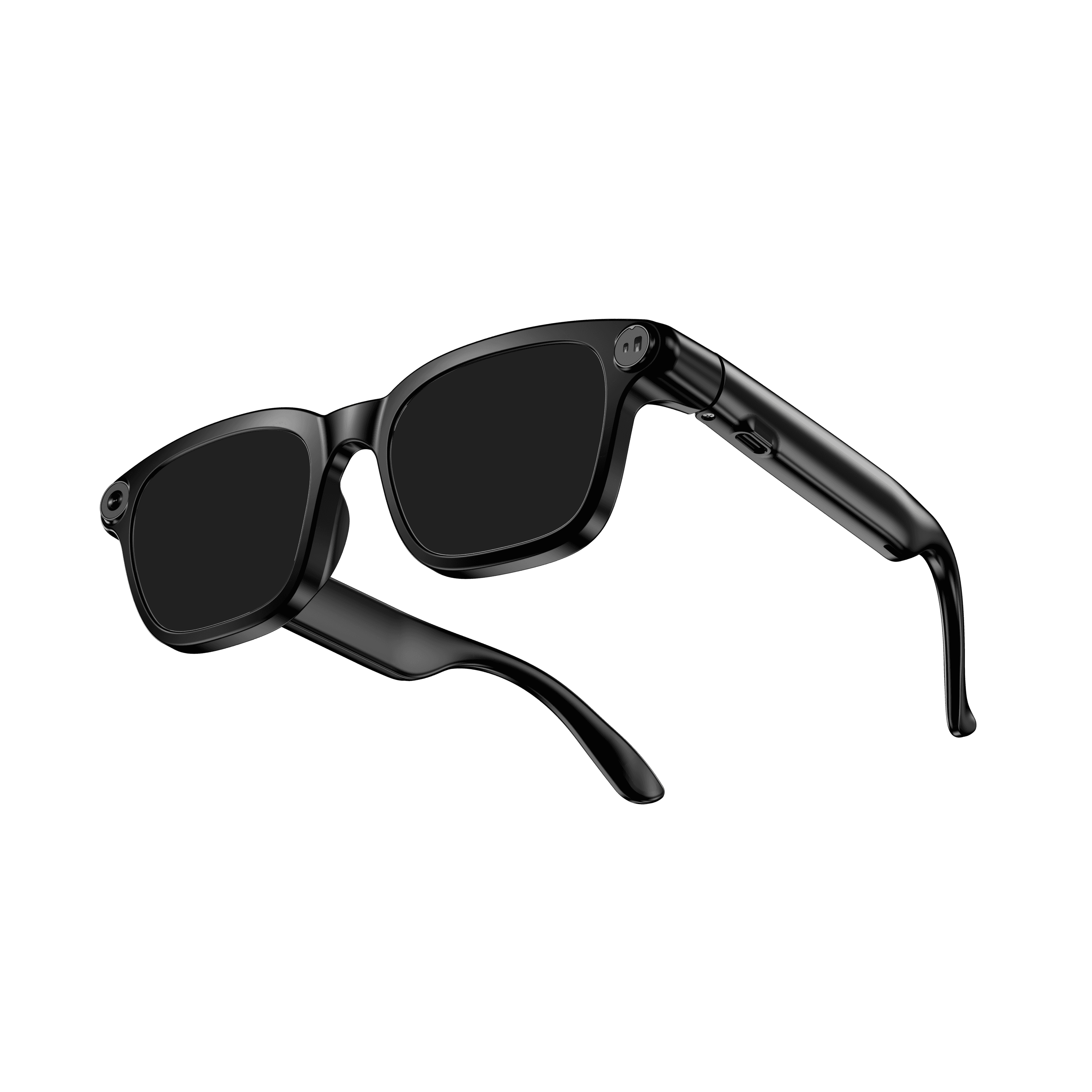 OXIVUE M08$99 at checkout | 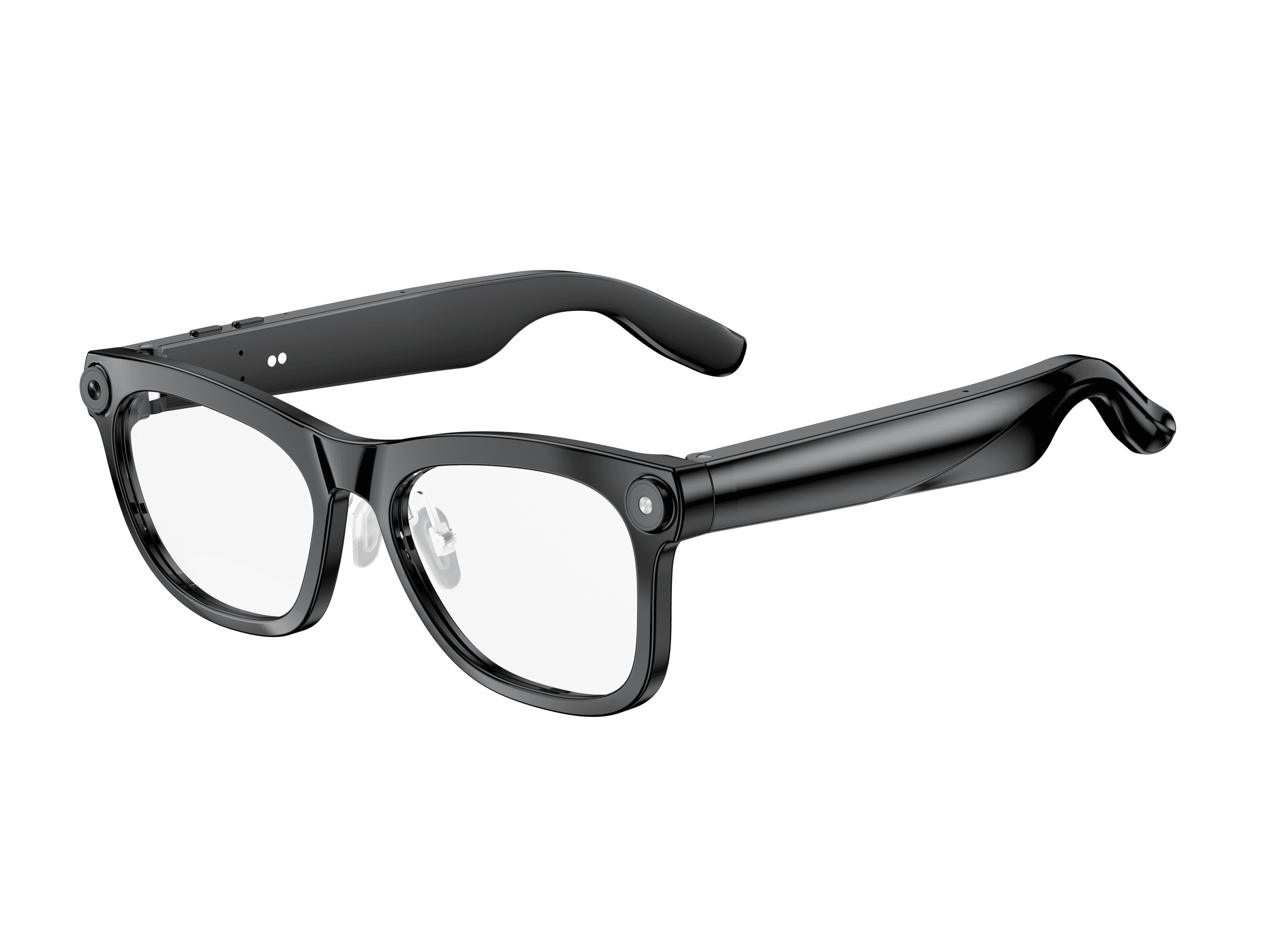 OXIVUE M02C$109 at checkout | |
|---|---|---|
| Camera | 8 MP | 8 MP |
| Weight | ~42 g | ~41 g |
| Water rating | — | IP65 |
| Lenses | Sunglasses · Photochromic · Clear | Sunglasses · Photochromic · Clear |
| Translation | 40+ languages | 40+ languages |
| Visual AI | — | Yes |
From each frame’s product page. Every model: open-ear audio, Bluetooth 5.4, no subscription. Full spec table
What these frames won’t do
- No prescription lenses yet, on any model. If you need vision correction all day, these can't replace your glasses.
- No display. Nothing appears in your view; you hear answers and capture photos and video.
- Open-ear speakers leak some sound at high volume and won't block out a loud train or a windy road the way sealed earbuds do.
- Translation, music, calls and the assistant need your phone nearby and connected. Translation pauses after each sentence, and only you hear the translated audio; the other person reads the reply on your phone.
- M08: no published water rating, so keep it out of heavy rain and spray.
- M02C: IP65 resists dust and water jets, not immersion. No swimming, no saltwater.
Check these before you order: see the warranty and refund policy.