Camera glasses · 2026
Do AI glasses record video? Yes, if there is a camera in the frame
Some AI glasses record video and some have no camera at all. This page gives the plain answer, shows how capture starts, quotes what Meta's own pages say about video, and lists what each OXIVUE model records.
Still deciding? Get the M14, M02C and M08 comparison in your inbox, with your new-customer price already applied.
One email with the comparison, one follow-up a few days later. Unsubscribe any time.
1. The short answer: yes, if it has a camera
AI glasses record video when they have a built-in camera. A camera pair takes photos and video clips. A pair without one, such as our audio-only M01 Pro (pre-order only), plays audio and handles calls but records nothing.
The “AI” in the name tells you about the assistant, not the hardware. Whether a pair can record is a separate question, and the spec sheet’s camera line answers it.
The rest of this page covers how recording starts, what Meta’s own pages say about video (checked November 21, 2026), what each OXIVUE model records and where the files go. OXIVUE publishes this page, so read the OXIVUE sections as a maker’s description and the Meta sections as statements taken from Meta’s own site.
2. Camera glasses, audio-only glasses and the AI label
There are two kinds of AI glasses to separate before you compare anything else:
- Camera AI glasses. A built-in camera for photos and video, plus speakers, microphones and an assistant. All four OXIVUE eyewear models in the table below are in this group.
- Audio-only AI glasses. Speakers and microphones with no camera. The OXIVUE M01 Pro is audio only, with 8 hours of listening and 6 hours of calls, and is on pre-order.
On the M08, M02C and M08C, the assistant in the companion app runs on OpenAI’s GPT models, and the M02C adds a voice-activated visual AI that can describe what you are looking at. Treat those as features of their own. When you shop, check three lines separately: the camera, the video spec and the assistant.
If you want the wider buyer’s view of camera glasses by type, our camera glasses guide and camera sunglasses guide cover it. This page stays on the yes-or-no question.
3. Four spec lines to check before you buy
A product page can say “camera” and still leave out what you need to know. These four lines tell you more than the headline does:
- The camera line.Is there one at all? If it reads “none” or “audio only”, the pair cannot record.
- The video line. A megapixel figure describes photos. For video, look for a resolution such as 1080p and a frame rate such as 30 fps. If a maker publishes only megapixels, you know the photo size and nothing about the video.
- How capture starts and stops. A button, a touch or a voice command, and whether there is a light that shows people nearby that the camera is on.
- Where the files go. Whether there is a display to review on, which phone app handles the files, and whether the maker says anything about clip length or storage. If it says nothing, you cannot compare that point at all.
We apply the same test to our own pages. For the M14 we can give you all four lines except the light question. For the M08, M02C and M08C we can give you the camera line and the touch-to-start line, and we say so where a figure is not published rather than guess.
4. How video recording starts
On OXIVUE glasses, capture starts only with a touch on the temple. Nothing records unless you start it, and because there is no display you do not see a preview in the lens; you check the result on your phone afterwards.
Meta describes its own way in its POV guide (checked November 21, 2026): hold the capture button until the white LED lights up to start a video, and tap it again to stop. Its camera page adds that you can use the capture button or say “Hey Meta” to start and stop video, and that the capture LED switches on automatically when you record or take photos. The step-by-step version is in how to record on Meta glasses.
If you are on the other side of the camera and want to know what to look for, read how to tell if smart glasses are recording.
5. What Meta’s pages say about video
Here is what Meta’s official pages state about video (checked November 21, 2026). We do not quote Meta prices; they are on meta.com.
- Resolution and storage.Ray-Ban Meta (Gen 2) and Oakley Meta HSTN and Vanguard record up to 3K video with a built-in 12 MP ultra-wide camera and store clips on the glasses’ internal memory.
- Saving. When you tap to stop, the LED turns off and the video saves locally to the glasses.
- Modes. Hyperlapse is supported on Oakley Meta HSTN, Oakley Meta Vanguard and Ray-Ban Meta (Gen 1 and Gen 2) models.
- After recording. The glasses sync with the Meta AI app, where you can review, edit and share.
Clip limits are a separate topic; our guides on how long Meta glasses can record and video recording glassesgo through them with Meta’s own figures.
6. What OXIVUE models record
All four OXIVUE eyewear models have an 8 MP camera. This table lists what each spec sheet publishes about it. Prices are OXIVUE’s list prices, checked 2026-11-21.
| M08 | M02C | M08C | M14 | |
|---|---|---|---|---|
| Price | $149 | $159 | $169 | $199 |
| Camera | 8 MP (sensor maker not published) | 8 MP, Sony IMX219 | 8 MP, Sony IMX219 | 8 MP, Sony IMX219 |
| Published video spec | Resolution not published | Dual stabilisation; resolution not published | Resolution not published | Video AVI, 1080p, 30 fps, electronic stabilisation |
| Capture starts | Touch on the temple | Touch on the temple | Touch on the temple | Touch on the temple |
| Weight | ~42 g | ~41 g | ~42 g | 52 g |
| Lens | Sun, photochromic or clear | Sun, photochromic or clear | Sun, photochromic or clear; gold or silver trim | Fixed one-piece shield in 4 colourways |
| Water rating | None published | IP65 (dust, water jets; not immersion) | None published | IPX4 |
| Display | None | None | None | None |
Prices checked 2026-11-21; checkout price may change. The M14 spec also lists Photo JPG output and Wi-Fi file transfer. None of the four shows anything in the lens; you work from the phone app.
Which one fits depends on where you will wear it. The M14 is our skiing and cycling pair: a wrap-style one-piece shield that is not swappable, and the OXIVUE model whose spec sheet spells out the video format. The M08 and M02C are our hiking, fishing and everyday pairs, and the M02C adds dual stabilisation and an IP65 rating. The M08C in gold or silver trim is the business and golf pair. Photochromic lenses on the M08 family darken in UV and are close to clear indoors.
Limits worth knowing before you buy, stated plainly: OXIVUE glasses have no display, no frame takes prescription lenses, there is no carrying case or charging dock in the box, and we publish no recording-length or storage figures. If any of those decide it for you, they are better settled now than after delivery. Every model is compared on the comparison page.
7. Where the video goes
With no display on the frame, video is something you review on your phone. The companion app handles files for the M08, M02C and M08C, and the M14 spec also lists Wi-Fi file transfer. There is no subscription to use the camera. For the phone side in general, see do smart glasses need a phone.
8. Recording other people
Camera glasses capture whatever is in front of you, including people who did not expect to be on video. Tell people when you are recording them, and check the rules where you are, particularly for audio and for private places. Our guide on smart glasses recording laws by state goes through the US picture. This is general information, not legal advice.
Shipping, refunds and warranty.Free shipping from $99, so every single pair qualifies; below that it is $9.99. US orders typically arrive in 5–9 business days and international orders in 9–14 business days after shipment, with import VAT or duties outside the US paid by the recipient. No refunds except transit damage (replaced or refunded); faults are repaired or replaced under the 2-year warranty; change of mind and unmet expectations are not refundable. See the shipping policy, return policy and warranty.
Frequently asked questions
Do AI glasses record video?
Yes, if the pair has a built-in camera. Camera AI glasses take photos and video clips; audio-only AI glasses have no camera and record nothing. The word AI describes the assistant, so check the camera line on the spec sheet before you buy.
Do all AI glasses have a camera?
No. Our own OXIVUE M01 Pro, a pre-order pair, is audio only: open-ear speakers, microphones and Bluetooth, with no camera. The M08, M02C, M08C and M14 all have an 8 MP camera.
Do OXIVUE glasses record video?
Yes. All four OXIVUE eyewear models have an 8 MP camera and start capture with a touch on the temple. The M14 spec lists Video AVI at 1080p and 30 fps with electronic image stabilisation. For the M08, M02C and M08C we publish the 8 MP camera but not a video resolution or clip limit.
Do AI glasses record all the time?
Not OXIVUE frames: capture starts only with a touch on the temple, and nothing is recorded unless you start it. Other brands work differently, so read the maker's own page for any pair you are considering.
How long can AI glasses record?
There is no single number, and OXIVUE does not publish a recording-length or storage figure, so we will not give you one. For the official Meta figures, see our guide on how long Meta glasses can record.
Can I watch the video on the glasses?
No. OXIVUE glasses have no display, so you review photos and clips on your phone through the companion app. There is no subscription to use the camera.
Is it okay to record people with AI glasses?
Not automatically. Rules on recording people, and on recording audio in particular, differ by place and by situation, so check them where you are and tell people you are recording. This is general information, not legal advice.
OXIVUE frames side by side
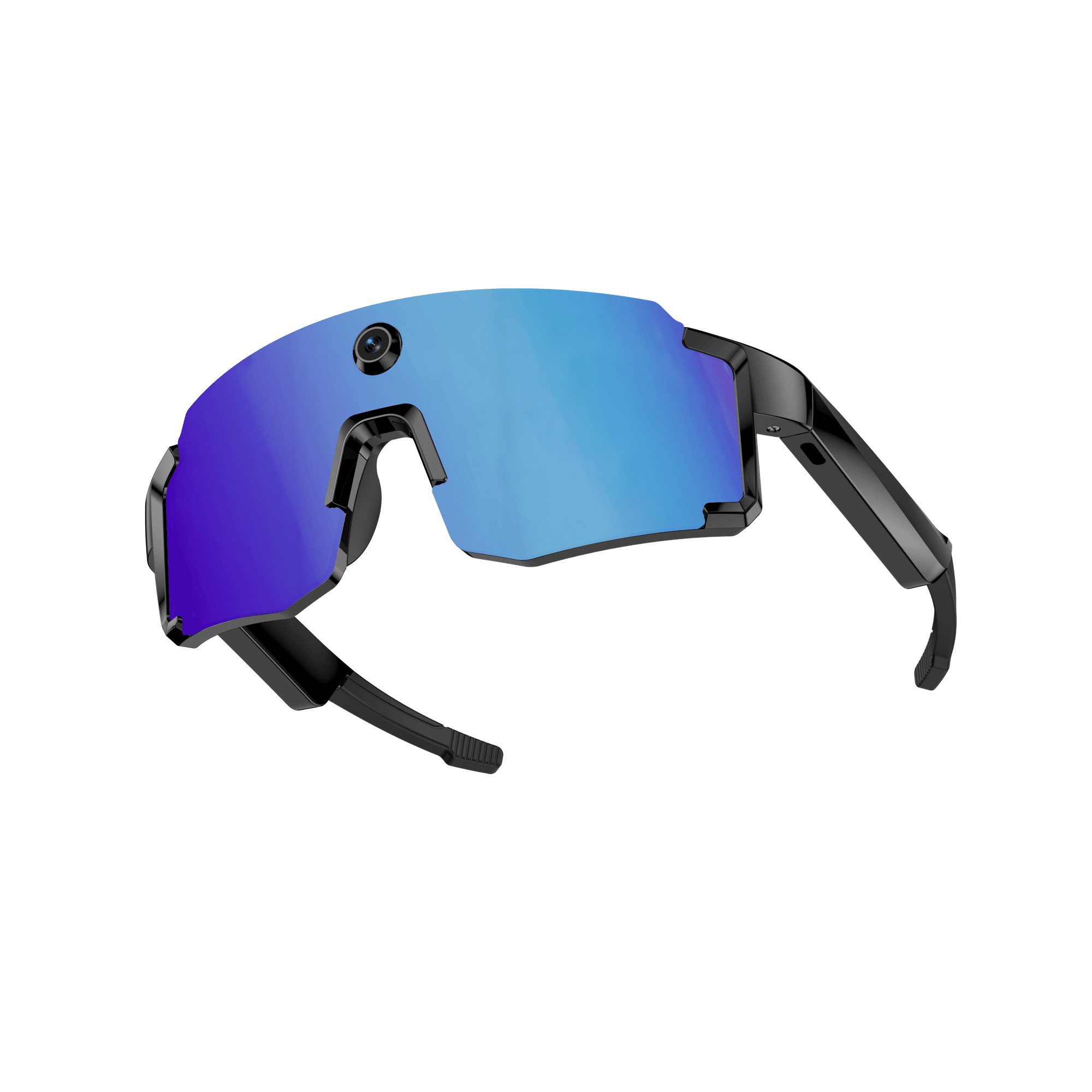 OXIVUE M14$149 at checkout | 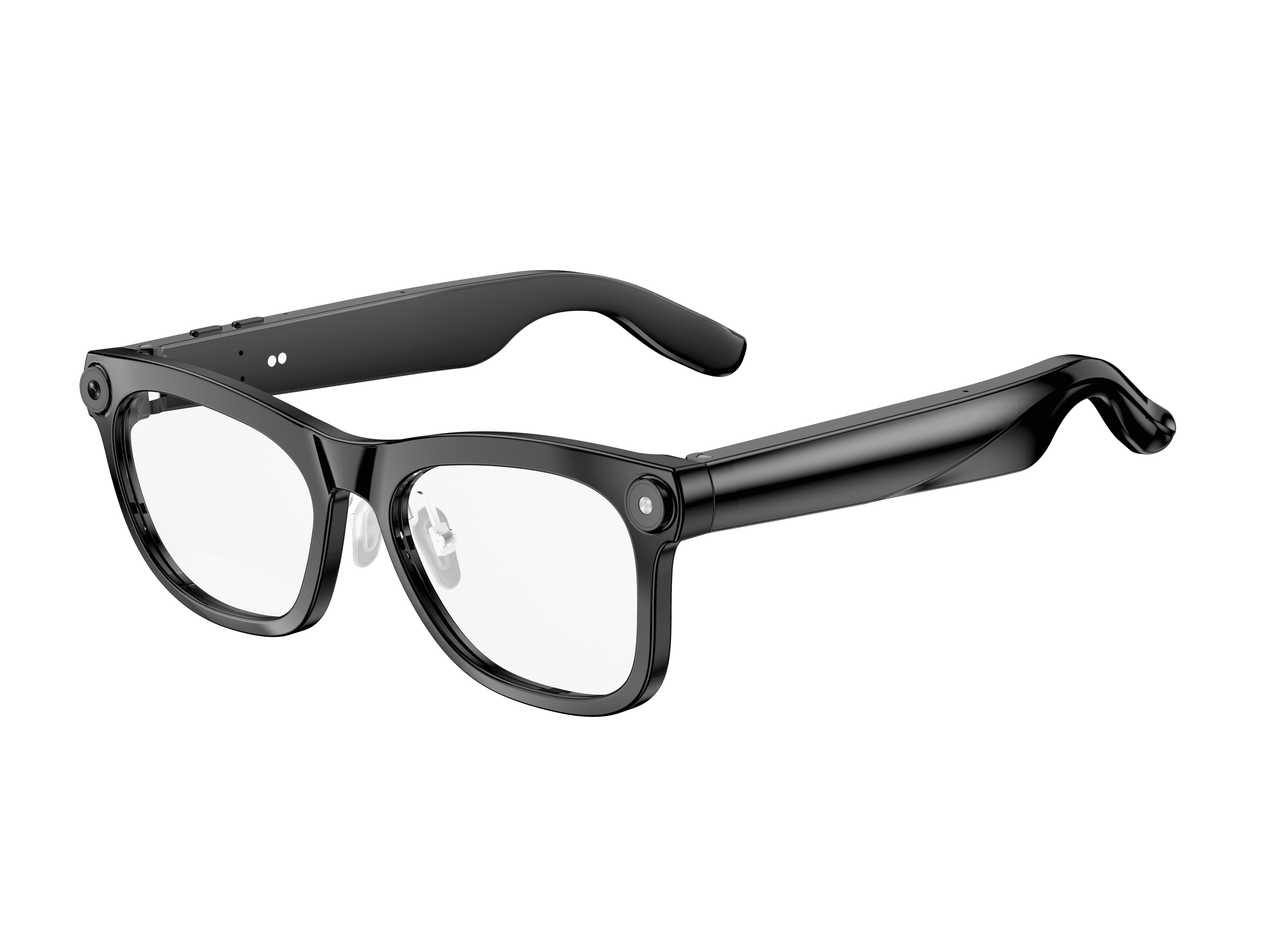 OXIVUE M02C$109 at checkout | 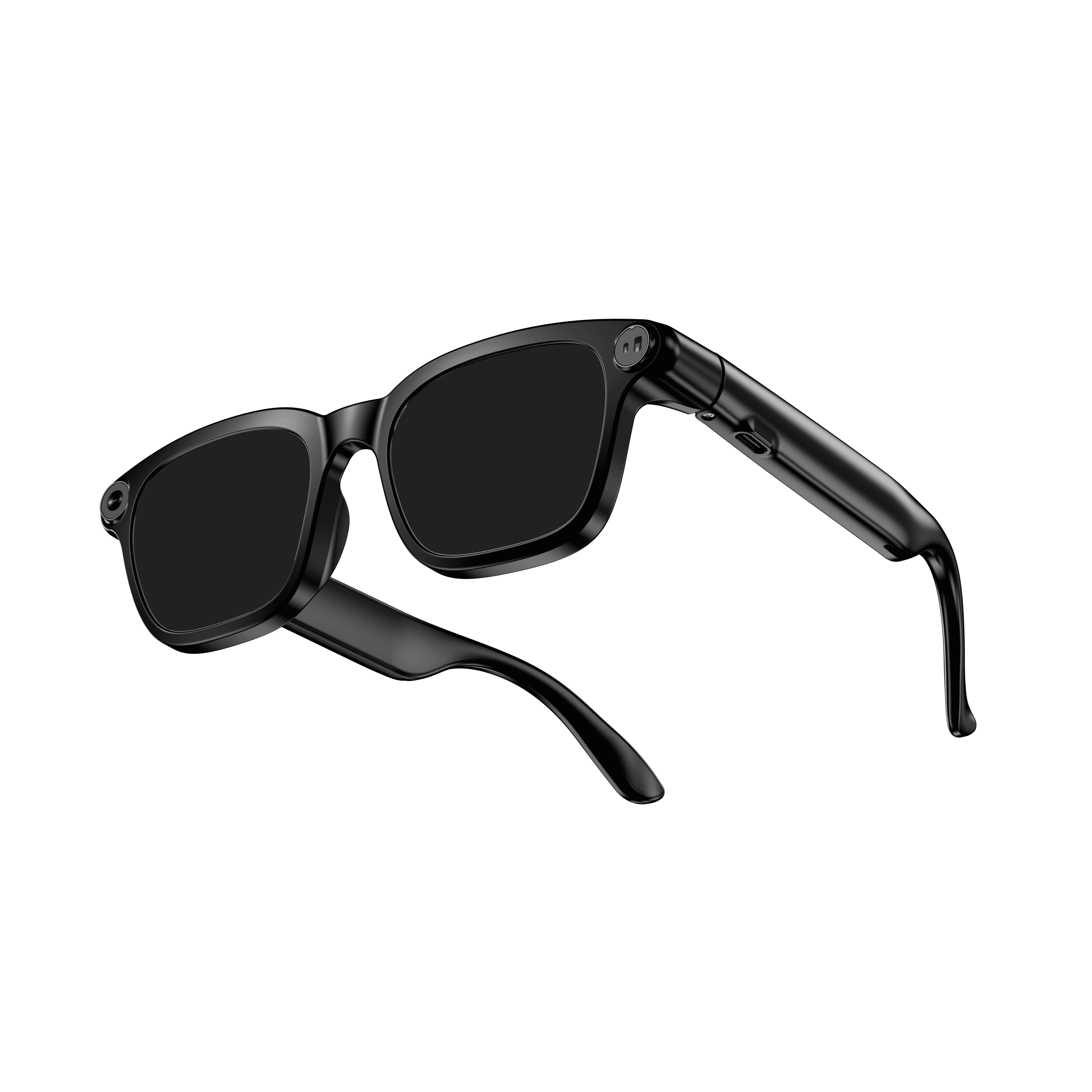 OXIVUE M08$99 at checkout | |
|---|---|---|---|
| Camera | 8 MP | 8 MP | 8 MP |
| Weight | 52 g | ~41 g | ~42 g |
| Water rating | IPX4 | IP65 | — |
| Lenses | Fixed wrap shield · 4 colours | Sunglasses · Photochromic · Clear | Sunglasses · Photochromic · Clear |
| Translation | 139 languages | 40+ languages | 40+ languages |
| Visual AI | — | Yes | — |
| Onboard memory | 4 GB onboard | — | — |
From each frame’s product page. Every model: open-ear audio, Bluetooth 5.4, no subscription. Full spec table
What these frames won’t do
- No prescription lenses yet, on any model. If you need vision correction all day, these can't replace your glasses.
- No display. Nothing appears in your view; you hear answers and capture photos and video.
- Open-ear speakers leak some sound at high volume and won't block out a loud train or a windy road the way sealed earbuds do.
- Translation, music, calls and the assistant need your phone nearby and connected. Translation pauses after each sentence, and only you hear the translated audio; the other person reads the reply on your phone.
- M14: one-piece shield, so the lens can't be swapped for clear or photochromic.
- M14: IPX4 covers splash, spray and rain only, and at 52 g it is heavier than the 41–42 g frames.
- M02C: IP65 resists dust and water jets, not immersion. No swimming, no saltwater.
- M08: no published water rating, so keep it out of heavy rain and spray.
Check these before you order: see the warranty and refund policy.