Commute guide · 2026
Smart glasses for the commute.
Twice a day, most of a lifetime. The commute is the least glamorous case for AI eyewear and the one where it makes the most obvious sense — because the whole design brief, ears left open and hands left free, was written for exactly this walk.
Still deciding? Get the M02C, M08 and M08C comparison in your inbox, with your new-customer price already applied.
One email with the comparison, one follow-up a few days later. Unsubscribe any time.
The safety argument, which is the real one
Everything else on this page is convenience. This part is not. Open-ear directional speakers sit just outside the ear canal and beam sound inward without sealing anything, so the bus pulling out, the cyclist on your inside, the siren two streets away and the announcement that your platform changed all still reach you at full volume while your podcast plays.
If you have ever stepped off a kerb with noise-cancelling earbuds in and felt the moment afterwards, you already understand the pitch. A commute is the one part of the day spent moving through traffic on foot, and it is the worst possible time to have deliberately removed one of your senses.
The honest inverse. The same openness that keeps you safe on the street costs you inside a loud train. Speakers that do not seal cannot beat a subway carriage at speed, and turning them up leaks a little sound to the person beside you. If four fifths of your commute is inside a loud train, sealed earbuds genuinely are the better tool — glasses win the walk, the platform, the bike and the station, not the tunnel.
What a commuter actually uses, in order
1. Calls on the move, with the phone in your pocket
The feature that survives the novelty period. You leave the house, the call comes, you answer from the temple and keep walking with a coffee in one hand and a bag in the other. On the M14 the microphone array is built for exactly this environment — two noise-cancelling mics plus a bone-conduction mic, which is the configuration that keeps a voice intelligible in wind and street noise.
2. One-touch capture of the boring, useful things
Not photography — documentation. The departure board when the platform changes. The parking level and bay number. The number on the bike rack. The delay notice you will want to attach to an expense claim. The building entrance your interview is at. All of it at 8 MP from eye level, one touch, without stopping in the middle of a crowd to dig out a phone.
3. Translation, if you commute in a second language
This is the underrated one for anyone who moved cities. The ticket window, the driver, the concierge, the colleague in the lift, the neighbour on the platform — 40+ languages two-way on the M08, M02C and M08C, 139 on the M14, through the free companion app. One caveat worth setting expectations on: station PA announcements are a poor target. Translation is built for a person speaking in front of you; compressed, echoing tannoy audio defeats speech systems generally. How it works, end to end: the translation explainer.
4. The light transition nobody plans for
A commute crosses more light boundaries than any other part of the day: dim flat, bright street, dark station, bright street, fluorescent office. On the M08 family, the photochromic lens handles it at no extra cost — roughly 30 seconds to tint in direct sun, a couple of minutes to fade back. Set expectations on the clearing side: walking down into a station, you will be underground before they have faded back to near-clear. And if you drive your commute, photochromic is the wrong choice — windscreens block the UV that triggers it, so take the dedicated sunglasses lens instead.
The battery maths for a real commute
Every brand quotes a headline hours number, including us. The useful version is hours against your actual door-to-desk time, and the two OXIVUE families budget the same-size cell in opposite directions — which is the single most useful thing on this page if you are choosing between them.
| Your commute | Daily audio | M08 family (7 h listen / 4 h call) | M14 (4 h listen / 7 h call) |
|---|---|---|---|
| 25 min each way, podcasts | ~50 min | A full working week per charge | Around four days |
| 45 min each way, podcasts | ~1.5 h | Roughly the working week | Charge mid-week |
| 45 min each way, mostly calls | ~1.5 h | Charge every other day | Comfortably the week |
| 90 min each way, calls both legs | ~3 h | Charge daily | Around two days |
Both cells are ~300 mAh and recharge in about 2 hours, so the practical routine is a charge on the desk while you work rather than an overnight ritual. Video is the outlier on any camera frame — 2 hours on the M08 family — but a commuter capturing departure boards is nowhere near that. Treat every published hours figure, ours included, as a best case at moderate volume.
Etiquette: the carriage rule and the camera rule
Two rules cover essentially every commuting situation.
- Do not hold speakerphone conversations in a quiet carriage. The technology makes it effortless, which is precisely the problem. Open-ear audio at conversational volume is audible to the seat beside you.
- Point the capture at objects, not at people. A departure board is documentation; a carriage of strangers is a video of strangers. Capture on our frames is one deliberate touch rather than a rolling recording, which makes the polite version the easy one. Audio recording is the sharper line — it falls under wiretap statutes, and roughly a dozen US states require all-party consent. See recording laws by state.
If you drive part of your commute, the hands-free rules where you live apply to glasses exactly as they apply to any other device — audio in your ears, eyes on the road, and no capture while moving. Our road guide goes deeper on audio behind the wheel.
Which frame for which commute
| Frame | Price | Weight | Battery | Best commute | US delivery |
|---|---|---|---|---|---|
| M02C — the commuter pick | $159 | 41 g | 7 h listen · 4 h call | Walk-and-transit. IP65 makes a rainy platform a non-event, voice-activated visual AI answers what you are looking at, photochromic handles the light swings. | 5–9 business days |
| M08C — the office frame | $169 | ~42 g | 7 h listen · 4 h call | Commutes that end in a meeting. Gold or silver metal trim reads as eyewear, not gadget. | 5–9 business days |
| M08 — cheapest way in | $149 | ~42 g | 7 h listen · 4 h call | Finding out whether you like wearing audio before spending more. Three lenses at no extra cost. | 5–9 business days |
| M14 — bike commute, call-heavy | $199 | 52 g | 4 h listen · 7 h call | Wrap shield that stays put at speed, wind-workable mics, 139 languages. Will not pass as office eyewear. | 5–9 business days |
If your office does not allow cameras. Every frame we sell today carries an 8 MP camera, and a policy written about cameras does not care that it is in eyewear. The M01 Pro at $19.90 is our only camera-free frame — 28 g, open-ear audio, 8 hours of listening or 6 hours of calls — and it is currently on reserve with no payment taken today. The full picture: camera-free smart glasses for work.
Bottom line
A commute is repetitive, hands-busy, noisy and lit four different ways — which is a precise description of the conditions AI eyewear was designed for. Start at the M02C at $109 at checkout if you walk and take transit, the M08C at $119 at checkout if the frame has to work in a meeting five minutes later, and the M14 at $149 at checkout if you ride or live on calls. Free shipping from $99, a 2-year warranty against defects. Wider context in the under-$200 buyer’s guide and the full spec comparison.
Commuters almost always price the mainstream pair first. The cheaper alternative to Ray-Ban Meta comparison is where that decision usually lands.
Frequently asked questions
Are smart glasses good for commuting?
They suit a commute better than most situations, for one structural reason: the speakers sit outside your ear canal, so you keep hearing traffic, bikes, closing doors and platform announcements while you listen. Add hands-free calls with a phone in your pocket, one-touch capture of a departure board, and — if you commute in a second language — live translation. OXIVUE frames run $99 to $149 at checkout ($149 to $199 list).
Is open-ear audio safe for walking and cycling to work?
Safer than sealed earbuds, and that is the point — nothing blocks your ear canal, so approaching cars, bicycle bells, sirens and someone calling your name all still reach you at full volume. It is not a licence to stop paying attention, and it does not exempt you from local rules about headphones while cycling, which in some places cover any audio device.
Can you hear open-ear glasses on a noisy train?
This is the honest trade-off. Open-ear audio wins on the walk and loses in a loud carriage — a subway train at speed will drown out speakers that are deliberately not sealing your ear. You end up turning it up, which the person beside you can faintly hear. If most of your commute is inside a loud train, sealed noise-cancelling earbuds are the better tool and we would rather say so.
How long does the battery last on a daily commute?
The M08, M02C and M08C run about 7 hours of listening or 4 hours of calls from a ~300 mAh cell, recharging in roughly 2 hours. The M14 is inverted: 4 hours of listening, 7 hours of calls. A 45-minute-each-way commute is about 1.5 hours of audio a day, so a listening commute on the M08 family clears the working week on a charge, while a call-heavy commute wants the M14 or a charge every couple of days.
Can I take calls on smart glasses while walking?
Yes — that is the feature people keep. The microphones handle the call, the phone stays in your pocket, and your hands stay free for a coffee, a bag or a handrail. On the M14 there are two noise-cancelling microphones plus a bone-conduction mic, which is the configuration built for wind and street noise.
Do smart glasses look like normal glasses at the office?
The M08 family does. The M08C at $119 at checkout is the most office-appropriate — gold or silver metal trim on a TR90 frame, about 42 g, which reads as eyewear rather than gadget. The M14 at $149 at checkout is a 52 g wrap-around sports shield and will not pass as ordinary glasses indoors. If your workplace policy is about cameras rather than looks, our camera-free guide covers that separately.
Can smart glasses translate station announcements?
Not reliably, and it is worth knowing why before you buy. Live translation is built for conversation — a person in front of you, speaking normally. Platform PA systems are compressed, echoing and often clipped, which is hard for any speech system including a human one. Translation earns its place on your commute in the exchanges around the journey: the ticket window, the driver, the colleague in the lift, the neighbour on the platform.
Can I record on public transport?
Legally it varies, and socially it is the fastest way to make a carriage uncomfortable. Video and audio are governed by different laws — audio in particular falls under wiretap statutes, and roughly a dozen US states require everyone's consent. Capture on OXIVUE frames is one deliberate touch rather than always-on recording; use it on the departure board, not on the people. Our recording-laws guide has the state-by-state picture.
Which OXIVUE frame is best for commuting?
The M02C at $109 at checkout for most commuters: 41 g, IP65 so a rainy platform is a non-event, the voice-activated visual assistant, 40+ language translation, and a photochromic lens that handles the dark-station-to-bright-street transition. The M08C at $119 at checkout if you want the frame to read as office eyewear, the M08 at $99 at checkout as the cheapest way in, and the M14 at $149 at checkout if your commute is mostly calls or you ride a bike.
Do photochromic lenses work for driving to work?
Not well, and this is the commuter's classic disappointment. Modern windscreens block most UV, and UV is exactly what triggers the tint — so the lenses stay lighter than you expect behind the wheel. If you drive most of your commute, choose the dedicated sunglasses lens instead; photochromic is for the walk-and-transit commuter, not the driver.
OXIVUE frames side by side
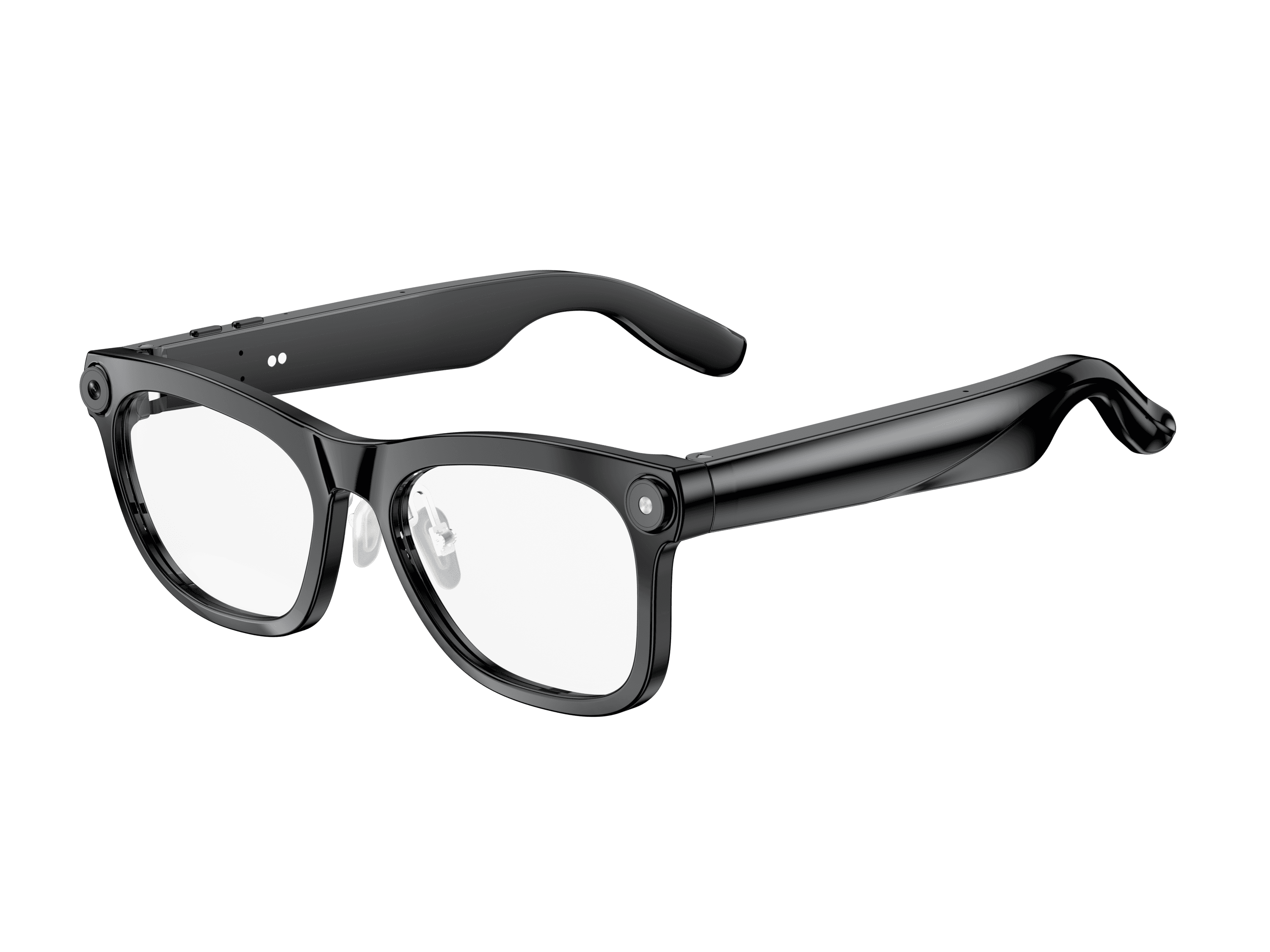 OXIVUE M02C$109 at checkout OXIVUE M02C$109 at checkout | 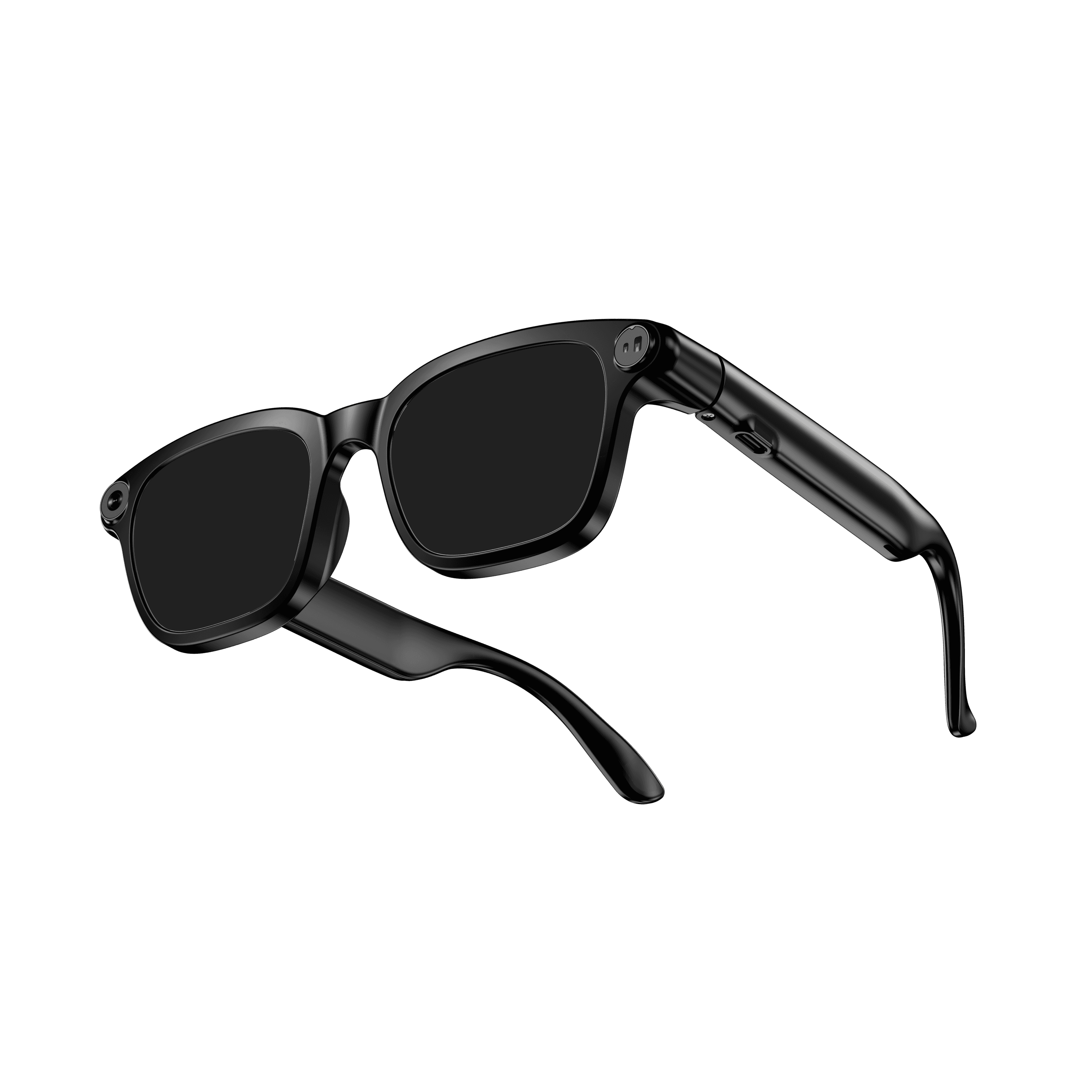 OXIVUE M08$99 at checkout OXIVUE M08$99 at checkout | 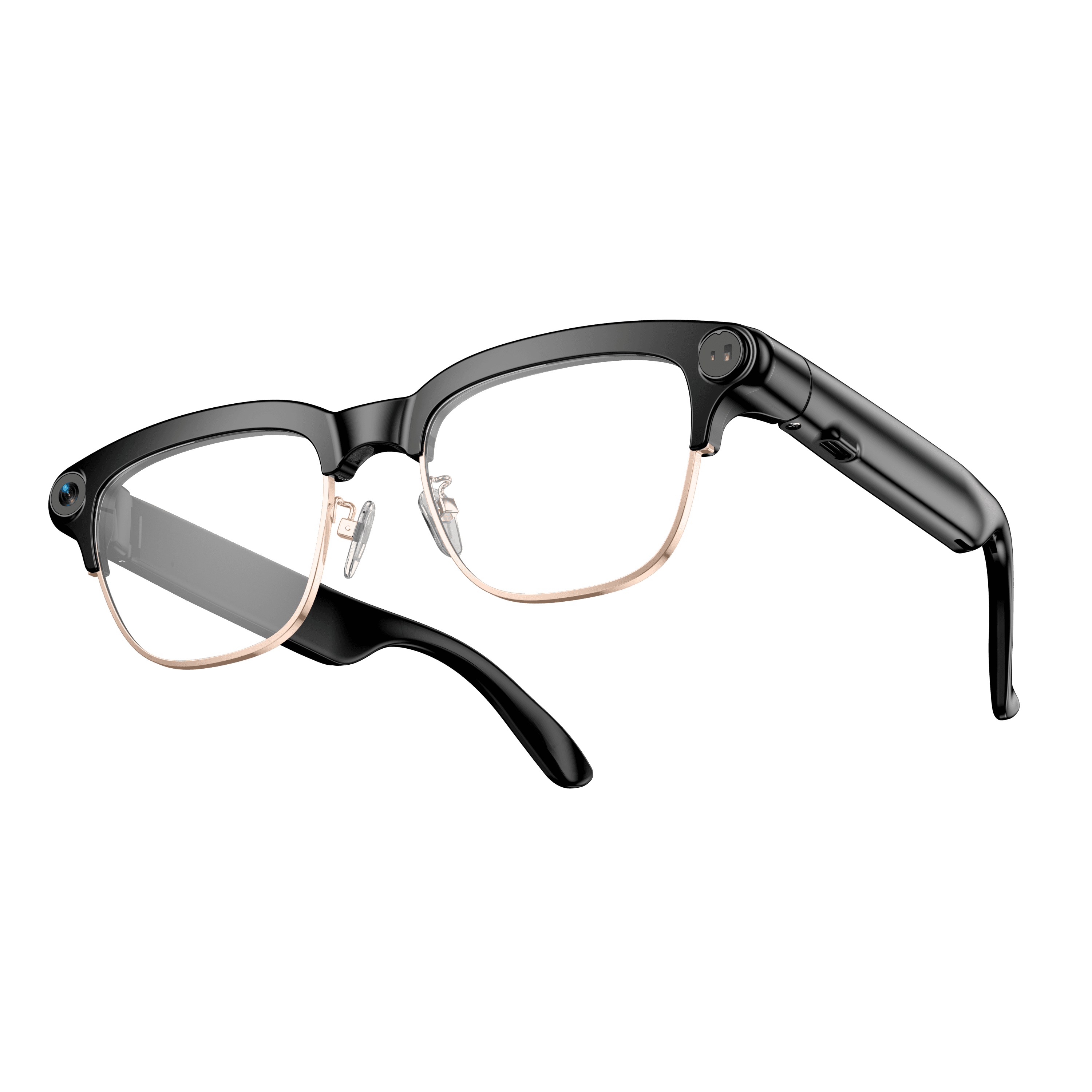 OXIVUE M08C$119 at checkout OXIVUE M08C$119 at checkout | |
|---|---|---|---|
| Camera | 8 MP | 8 MP | 8 MP |
| Weight | ~41 g | ~42 g | ~42 g |
| Water rating | IP65 | — | — |
| Lenses | Sunglasses · Photochromic · Clear | Sunglasses · Photochromic · Clear | Sunglasses · Photochromic · Clear |
| Translation | 40+ languages | 40+ languages | 40+ languages |
| Visual AI | Yes | — | — |
| Metal trim | — | — | Gold · Silver |
From each frame’s product page. Every model: open-ear audio, Bluetooth 5.4, no subscription. Full spec table
What these frames won’t do
- No prescription lenses yet, on any model. If you need vision correction all day, these can't replace your glasses.
- No display. Nothing appears in your view; you hear answers and capture photos and video.
- Open-ear speakers leak some sound at high volume and won't block out a loud train or a windy road the way sealed earbuds do.
- Translation, music, calls and the assistant need your phone nearby and connected. Translation pauses after each sentence, and only you hear the translated audio; the other person reads the reply on your phone.
Check these before you order: see the warranty and refund policy.