Workplace use · 2026
Smart glasses with no camera at all.
Most of this category is sold on capture. But a large number of the rooms people actually spend their day in — the office, the gym, the clinic, the classroom, the client site — have a policy about cameras and none at all about headphones. This guide is about the frames that sit on the right side of that line.
Still deciding? Get the M02C, M08 and M08C comparison in your inbox, with your new-customer price already applied.
One email with the comparison, one follow-up a few days later. Unsubscribe any time.
The distinction that matters
Read a workplace device policy closely and you will notice it is almost never about eyewear. It is about capture — a lens that could be pointed at a screen, a whiteboard, a patient, a minor, or a colleague who did not agree to be in frame. Nobody writes a memo about wireless earphones.
A camera-free frame is on the correct side of that sentence by construction. There is no sensor to switch off, no capture indicator for anyone to squint at, and no conversation to have at reception. You are wearing a Bluetooth headset that happens to hold your lenses. That is a smaller product than an AI camera frame, and in these rooms it is a strictly more useful one.
Worth saying plainly, because you will be comparing us against them: the Ray-Ban and Oakley smart-glasses lines from Meta are built camera-first — capture is the headline feature of the product line, so there is no camera-free configuration to select. That is a structural fact about how those ranges are designed, not a criticism of how well they do it. If your constraint is “no cameras in this building,” a camera-first range cannot be configured out of the problem.
Where a camera-free frame works — and where camera glasses don’t
Six settings where we hear the same story, roughly in order of how often it comes up:
- 1. The open-plan office.Camera-free: calls at your desk with your ears open, so you still hear the person walking up behind you. Camera glasses: a lens pointed at everyone else’s monitors all day, which is exactly what the IT policy exists to prevent.
- 2. Client meetings and other people’s offices. Camera-free: nobody asks a question, because there is nothing to ask about. Camera glasses: at best a pause while you explain, at worst a visitor policy that stops the device at the door. See our meetings guide for the version of this where you do want recording and are allowed it.
- 3. The gym. Camera-free: music and calls in a shared space where phones are already a sore subject, and open-ear audio so you can hear someone asking to work in. Camera glasses: gyms are among the fastest to ban recording outright, and they are right to.
- 4. Clinics and patient areas. Camera-free: hands-free calls with gloves on and nothing that touches privacy law. Camera glasses: assume recording is prohibited unless your organisation has said otherwise in writing — see the clinical guide, which starts with what you must not do for exactly this reason.
- 5. Schools. Camera-free: a teacher can take a call between periods without producing a phone in front of thirty students. Camera glasses: any lens in a room containing minors is a safeguarding conversation, and it will be a long one.
- 6. Secure and controlled sites.Labs, server rooms, contract manufacturing, anywhere the visitor badge comes with a “no cameras” sticker. Camera-free: the sticker does not apply to you. Camera glasses: the device stays in the car.
The pattern underneath all six: the camera is what gets regulated, and audio is what you actually use in these rooms. If your day is mostly spent in them, you are paying for a feature that is switched off by policy rather than by choice.
The one camera-free OXIVUE frame
We make one, and only one. The M01 Pro — the Audio Frame — is what the rest of this page is about. Everything on our shelf that translates or captures has an 8 MP camera in it, and we would rather you knew that before you scrolled than after you ordered.
| Spec | OXIVUE M01 Pro |
|---|---|
| Camera | None · audio only |
| Audio | Open-ear directional · Bluetooth 5.4 |
| Frame | TR90 · ~28 g |
| Battery | 8 h listening · 6 h call |
| Lenses | Sunglasses · Clear |
| Charging | Magnetic snap |
| Price | $19.90 |
| Availability | Reserve · no payment now · ships when the production run lands |
Two lens variants, which is the whole configurator: clear for the desk, sun for the road. At roughly 28 grams it is the lightest thing we make, and the open-ear speakers sit above the ear rather than in it — the format matters more than the driver here, because an earbud in a meeting reads as inattention and a frame does not.
What you give up, stated honestly
Removing the camera removes more than the camera. Everything our AI frames are known for — live translation, visual AI, capture — depends on hardware the M01 Pro does not have. If you want translation in the room, you are not shopping for a camera-free frame; you are shopping for a camera frame you have decided not to point at anything.
- No capture. No photos, no video, no onboard storage to manage.
- No translation. That lives on the AI frames, all of which have cameras.
- No visual AI. Nothing can answer a question about what you are looking at if nothing is looking.
- No display. Which is true of every frame we make, and deliberately so.
What remains is music, podcasts, calls, and turn-by-turn directions in a pair of glasses you can wear into any of those six rooms without a conversation. For a lot of working days, that is the entire job.
If you decide you do want the camera after all
Plenty of people arrive here looking for camera-free and leave with a camera frame, because the rooms they were worried about turned out to be two hours of their week rather than twenty. If that is you, the honest advice is to buy the plainest frame available and simply never use the capture button — the M08 at $99 at checkout is the understated one, at roughly 42 g with a clear lens option that reads as ordinary glasses indoors. Two things to check on any camera frame before you pay, ours included: whether it requires an account on a platform you would rather not join (see glasses without a Meta account) and whether any feature you are buying it for sits behind a recurring fee. Full specs side by side are on the comparison page.
Bottom line
If the reason you are reading this is a policy rather than a preference, buy the frame that has no camera in it: the M01 Pro at $19.90, on reserve with no payment taken today. If you want translation and capture and are willing to manage where you wear them, start with the M08 at $99 at checkout — US orders typically arrive in 5–9 business days, international orders in 9–14 business days, and OXIVUE eyewear carries a two-year international warranty. Under our return policywe don’t offer refunds for a change of mind — the only refund case is damage in transit, and faults after delivery are a warranty repair or replacement — so it is worth deciding which side of the camera line you are on before the box arrives rather than after.
Frequently asked questions
Are there smart glasses without a camera?
Yes. Audio-only frames put open-ear speakers and microphones in eyewear and stop there. The OXIVUE M01 Pro is ours: no camera at all — the spec sheet reads "None · audio only" — with open-ear directional audio, Bluetooth 5.4, a TR90 frame at roughly 28 grams, 8 hours of listening or 6 hours of calls, in a clear or sunglasses lens, at $19.90. It is currently on reserve, with no payment taken today.
Can I wear smart glasses at work?
That depends on your employer's policy, and the policy is almost always written about the camera rather than the eyewear. A camera-free frame removes the question that policy exists to answer: there is no sensor to point at a screen, a whiteboard, or a colleague. It does not remove your obligation to check — some workplaces restrict all recording-capable devices, and a few restrict earpieces of any kind on safety grounds.
Do OXIVUE's other glasses have cameras?
Yes, and we would rather say so plainly. The M08 ($99 at checkout), M02C ($109 at checkout), M08C ($119 at checkout) and M14 ($149 at checkout) all carry an 8 MP camera. The M01 Pro is the only OXIVUE frame with no camera. If your reason for buying is that a room does not allow cameras, the M01 Pro is the only one of ours that answers it.
Is a camera-free frame just Bluetooth headphones?
Functionally, yes — that is the honest description, and it is the point. Open-ear directional speakers sit above the ear rather than in the canal, microphones handle calls, and Bluetooth 5.4 handles the connection. What you get over earbuds is that your ears stay open for the room and the device reads as eyewear, not as a headset you forgot to take out.
Does the M01 Pro translate languages?
No. Live translation belongs to our AI frames, and every one of those has a camera. The M01 Pro's spec sheet is audio only: speakers, microphones, Bluetooth 5.4, magnetic charging. If you need translation in the room, you are choosing a camera frame and then choosing not to use the camera — a different trade-off, and one worth making deliberately.
When does the M01 Pro ship?
It is a reserve, not a preorder charge: no payment is taken today, and we ship as soon as the production run lands. Our in-stock camera frames are the ones with published windows — US orders typically arrive in 5–9 business days, and international orders run 9–14 business days.
OXIVUE frames side by side
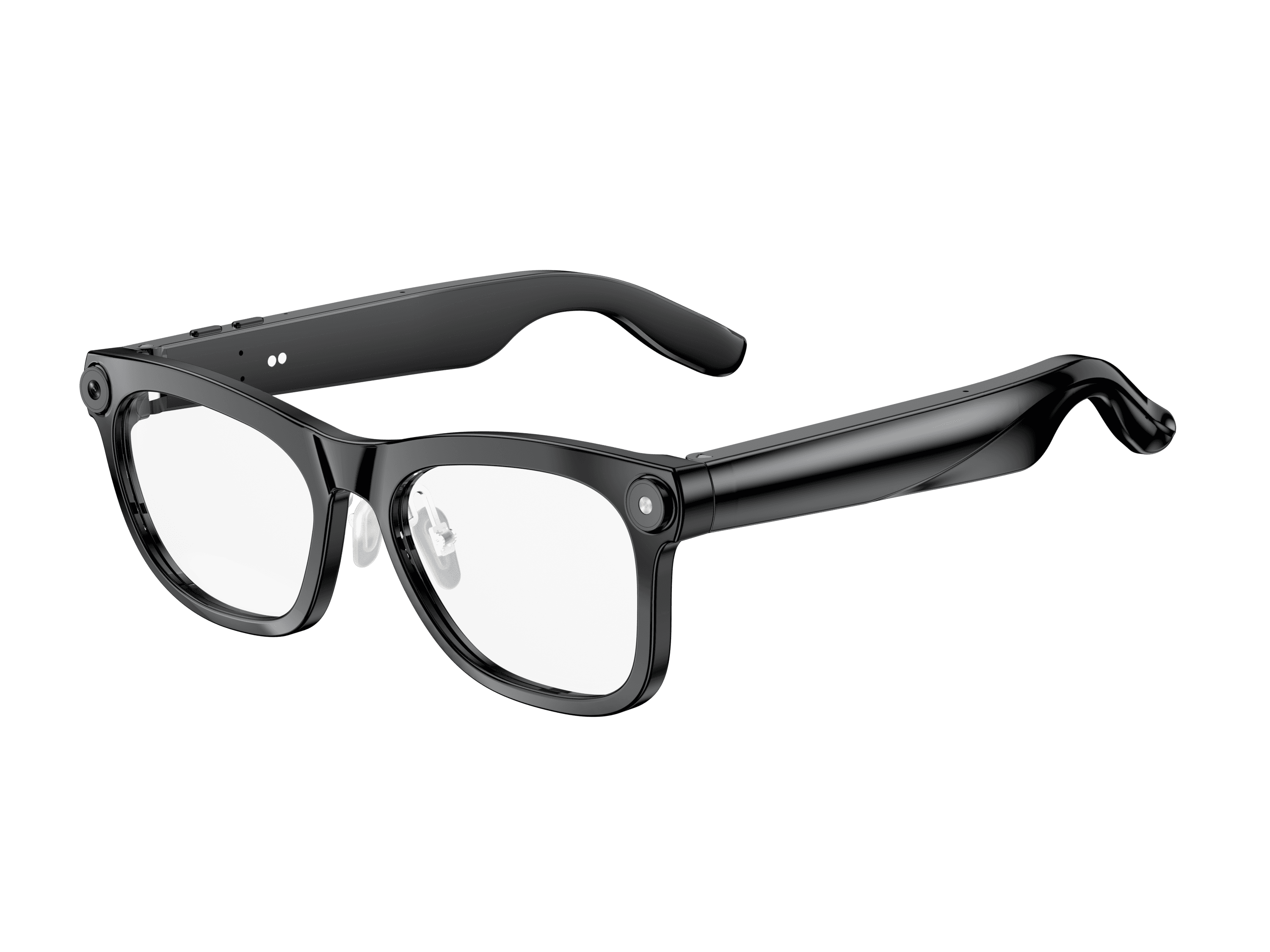 OXIVUE M02C$109 at checkout OXIVUE M02C$109 at checkout | 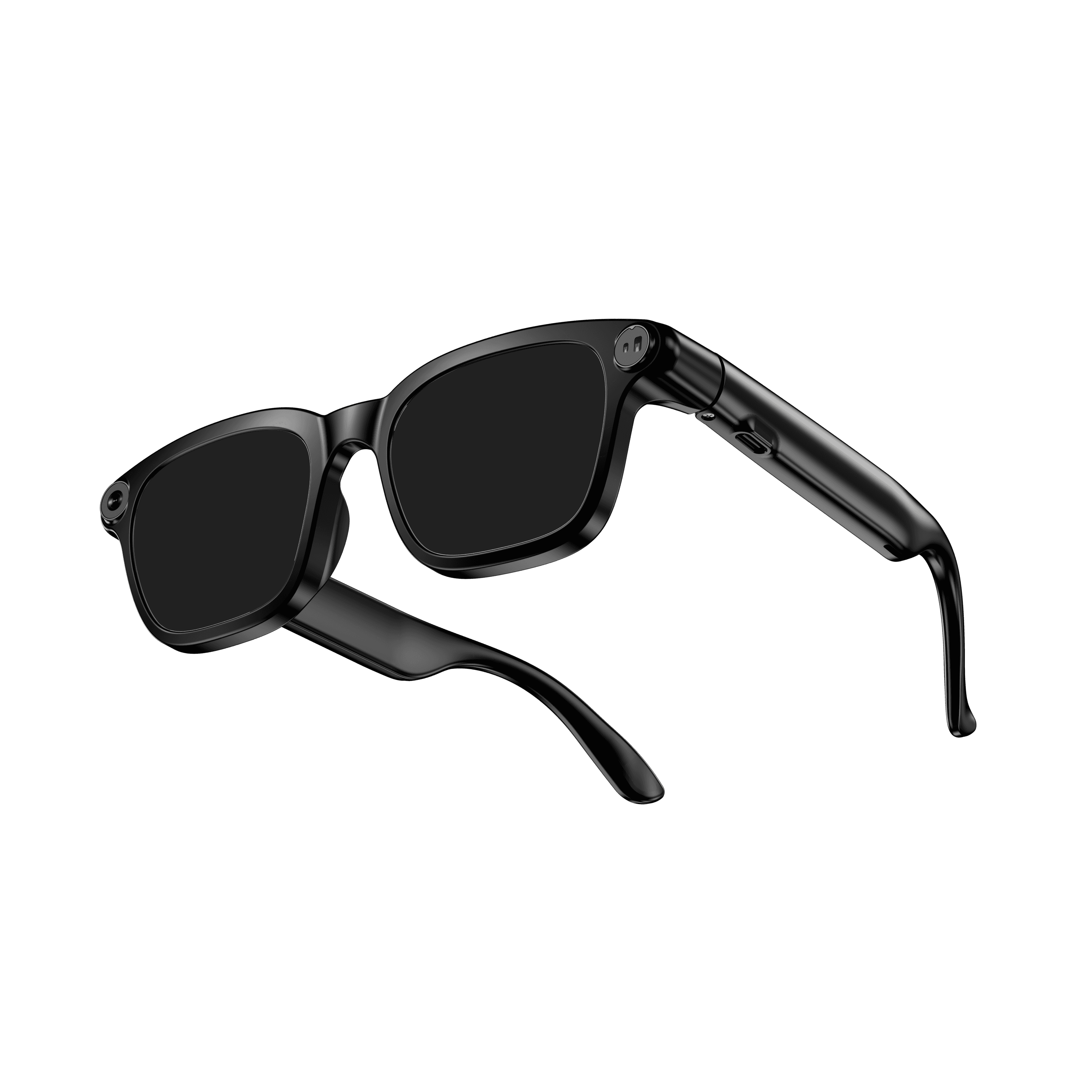 OXIVUE M08$99 at checkout OXIVUE M08$99 at checkout | 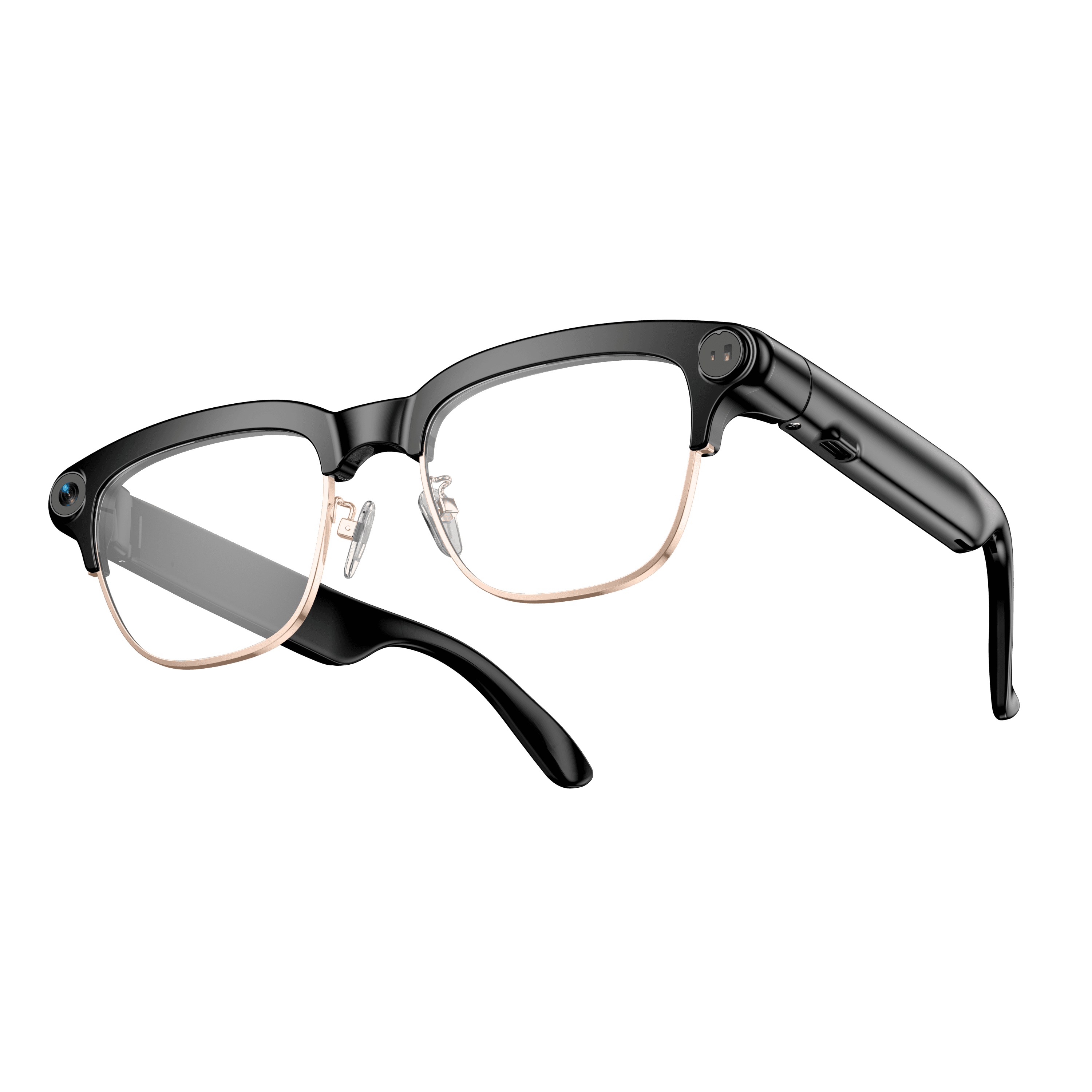 OXIVUE M08C$119 at checkout OXIVUE M08C$119 at checkout | |
|---|---|---|---|
| Camera | 8 MP | 8 MP | 8 MP |
| Weight | ~41 g | ~42 g | ~42 g |
| Water rating | IP65 | — | — |
| Lenses | Sunglasses · Photochromic · Clear | Sunglasses · Photochromic · Clear | Sunglasses · Photochromic · Clear |
| Translation | 40+ languages | 40+ languages | 40+ languages |
| Visual AI | Yes | — | — |
| Metal trim | — | — | Gold · Silver |
From each frame’s product page. Every model: open-ear audio, Bluetooth 5.4, no subscription. Full spec table
What these frames won’t do
- No prescription lenses yet, on any model. If you need vision correction all day, these can't replace your glasses.
- No display. Nothing appears in your view; you hear answers and capture photos and video.
- Open-ear speakers leak some sound at high volume and won't block out a loud train or a windy road the way sealed earbuds do.
- Translation, music, calls and the assistant need your phone nearby and connected. Translation pauses after each sentence, and only you hear the translated audio; the other person reads the reply on your phone.
Check these before you order: see the warranty and refund policy.