Honest comparison · 2026
Do you actually need a screen in your glasses?
Display smart glasses are the most impressive demo in the category and the most expensive component decision you can make. Before paying for one, it's worth applying a simple test — because for most of what people actually do with smart glasses, sound already delivers it.
Still deciding? Get the M02C, M08 and M08C comparison in your inbox, with your new-customer price already applied.
One email with the comparison, one follow-up a few days later. Unsubscribe any time.
The three-question display test (Q1–Q3)
A display is not a luxury version of a speaker. It answers one narrow question: can this information reach me without sound? Run your actual use through three questions in order, and count the passes.
Q1. Are both hands occupied at the moment the information arrives?
Pass if your hands are on handlebars, a steering wheel, a patient, a toolbox, or a suitcase in each hand when you need the answer. Fail if you could take a phone out of your pocket. A lens display is not a fix for a phone habit, and it costs several hundred dollars to find that out.
Q2. Would audio fail in that room?
Pass in a factory at 95 dB, a silent library or courtroom, a service where nothing can go in your ear. Fail in a street, a market, an office, a train — every environment where an open-ear speaker sitting just outside the ear canal is audible. That covers most days for most buyers.
Q3. Do you need to read it rather than hear it?
Pass for navigation arrows, live caption text, and a script you follow word for word. Failfor anything a sentence can carry: a translated reply, a message read aloud, an assistant’s answer, a track title, a confirmation that the camera fired.
Scoring. Three passes and a display earns its price — buy one and enjoy it. Two or fewer, which covers most buyers, and you are paying for the most expensive component in the product to solve a problem you do not have.
What the screen costs, structurally
Price
The optical engine and waveguide are the single most expensive parts in a pair of smart glasses, more than the camera, the audio, and the silicon together. That is why display frames sit in the high hundreds while camera-and-audio frames sit under $200. The gap is the optics, not the branding.
Weight, in the worst possible place
A display needs an optical engine, a combiner in front of your eye, and enough battery to drive a light source — and all of it must be carried on the bridge of your nose and the tops of your ears. OXIVUE frames weigh 41 g (M02C), about 42 g across the rest of the M08 family, and 52 g for the M14 wrap shield, because there is no optical stack to carry. Weight is the spec buyers underestimate most: every frame feels fine in a shop and different at hour three.
Battery
Light sources are power-hungry. Adding a display to a device that already runs a camera and radios pushes it toward being a device you manage rather than wear. We are candid that camera frames are daytime devices — the M08 runs a 300 mAh cell for 7 hours of listening, 4 hours of calls and 2 hours of video, and recharges in about 2 hours. A display makes that arithmetic harder, not easier.
What audio already does well
| Task | Needs a display? | How OXIVUE delivers it |
|---|---|---|
| Capture a moment | No | One-touch 8 MP capture, 1080p 30 fps video |
| Live two-way translation | No | Heard in-ear · 40+ languages (M08 family), 139 (M14) |
| Calls & music | No | Open-ear directional audio, Bluetooth 5.4 |
| Ask an assistant | No | Wake word, spoken answer |
| Identify what you’re looking at | No | Voice-activated visual AI on the M02C ($109 at checkout) |
| Turn-by-turn navigation, hands busy | Yes | Exclusion 1 — not covered at any OXIVUE price |
| Live captions in a loud room | Yes | Exclusion 2 — not covered at any OXIVUE price |
The two exclusions, named
Every list below is a list of frames with no screen in them. That makes exactly two jobs impossible, and they are worth naming rather than burying:
Exclusion 1 — in-lens turn-by-turn navigation
Walking or riding an unfamiliar city with both hands occupied, needing an arrow in your field of view. Spoken directions through open-ear audio are a real substitute in a quiet street and a poor one in traffic. If this is your daily use, buy a display frame; no OXIVUE model covers it.
Exclusion 2 — live captions in a loud room
Reading what someone just said, as text, when hearing it is not an option — the strongest accessibility case in the whole category. A speaker cannot solve a hearing problem. This one is not a price question and we would rather you knew before ordering than after.
The four no-display picks, ranked
Every frame here is a camera-and-audio design with no optical engine, sold once with no subscription. Ranked for a buyer whose display test came back two passes or fewer.
1. OXIVUE M02C — $109 at checkout
Verdict: the most complete frame in the line and the default pick unless you specifically want a wrap shield or metal trim.
- Sony 219 sensor with dual stabilization · 8 MP capture · magnetic pogo charging
- 41 g TR90 — the lightest AI frame we make
- IP65 water and dust rating · the only OXIVUE frame rated against water jets
- Voice wake word plus visual AI that answers what you are looking at
- 40+ languages · 7 h listening / 4 h calls · US delivery 5–9 business days
2. OXIVUE M08 — $99 at checkout
Verdict: the cheapest entry that gives up nothing structural — same camera, same audio format, same translation as the frames above it.
- ~42 g TR90 · 8 MP camera set flush in the frame corner · Bluetooth 5.4
- 300 mAh · 7 h listening / 4 h calls / 2 h video · 2 h recharge
- Three lens choices at no extra cost: photochromic, sunglasses, clear
- 40+ language translation in your ear through open-ear directional speakers, two-way in the app
- US delivery 5–9 business days
3. OXIVUE M14 — $149 at checkout
Verdict: the wrap-shield outlier — a different device from the M08 family rather than a bigger version of it, and the pick if you move fast.
- 52 g · 150 × 56 × 169 mm · one-piece PC shield, four colourways, no interchangeable lenses
- 8 MP Sony IMX219 · stabilised 1080p 30 fps · 4 GB onboard memory
- Battery is inverted against the M08 family: 4 h listening, 7 h calls
- 139 languages via the companion app · IPX4 · dual-mic ENC plus a bone-conduction mic
- US delivery 5–9 business days
4. OXIVUE M08C — $119 at checkout
Verdict: the meeting frame — same chassis as the M08, in gold or silver trim, for rooms where the eyewear is part of the outfit.
- 6 variants: 2 metals (gold, silver) × 3 lenses
- ~42 g TR90 · 8 MP · open-ear directional audio
- 300 mAh · 7 h listening / 4 h calls / 2 h video
- US delivery 5–9 business days
Who should buy which
Buy display glasses if…
- You navigate on foot or by bike in unfamiliar cities with hands occupied.
- You rely on live captions for accessibility — this is the strongest case in the category.
- You present or perform from a script and need a teleprompter you can wear.
Skip the display if…
- Your list is capture, calls, music, assistant, translation. Sound already does all five.
- You want a frame you forget you are wearing — see the category explainer for how these three product types differ.
- You would rather spend the difference on a second frame, or on nothing at all.
Bottom line
The screen is the most expensive thing you can put in a pair of glasses, and for most buyers it solves a problem they do not have. Three passes on Q1–Q3 and you should buy a display frame — including for Exclusion 1 and Exclusion 2 above, which we do not cover at any price. Two passes or fewer and the ranked list answers it: the M02C at $109 at checkout for most people, the M08 at $99 at checkout to spend the least, the M14 at $149 at checkout if you move fast. Every one is a one-time purchase with a 2-year warranty against defects. Compare them side by side on the comparison page.
Frequently asked questions
Do I need display smart glasses, or are camera glasses enough?
You need a display only if you must read something while both hands are busy and audio can't deliver it — turn-by-turn navigation in traffic, live captions in a loud room, a teleprompter. If your use is capture, calls, music, an assistant, or translation, audio delivers all of it and the screen is a cost with no return. That's the honest test.
How much more do display glasses cost?
Display-equipped smart glasses generally start in the high hundreds, several times the price of camera-and-audio frames. OXIVUE AI eyewear runs $99 to $149 at checkout ($149 to $199 list) with no display. The optical engine, the waveguide, and the battery needed to drive them are the single largest cost in a pair of smart glasses.
What do you lose without a display?
Anything you need to read hands-free: in-lens navigation arrows, live caption text, notification previews you can glance at silently. Everything else — capture, open-ear audio, calls, voice assistant, and two-way live translation across 40+ languages on the M08 family or 139 on the M14 — is delivered through sound and works without a screen.
Are display glasses heavier?
Structurally, yes. A display adds an optical engine, a waveguide or prism, and the battery to drive them, and all of it has to sit on your nose and ears. OXIVUE frames weigh 41 g (M02C), about 42 g across the rest of the M08 family, and 52 g for the M14 wrap shield, precisely because there is no optical stack to carry. Weight at hour three is the spec people underestimate most.
Can I get live translation without a display?
Yes — translation on OXIVUE frames is audio-first by design. You hear their language rendered in your ear through open-ear directional speakers, and the free app shows both sides as text you can show the other person — only you hear the audio: 40+ languages on the M08, M02C and M08C, and 139 languages on the M14. Reading subtitles in your lens is one way to do translation; hearing it is the way that lets you keep eye contact.
OXIVUE frames side by side
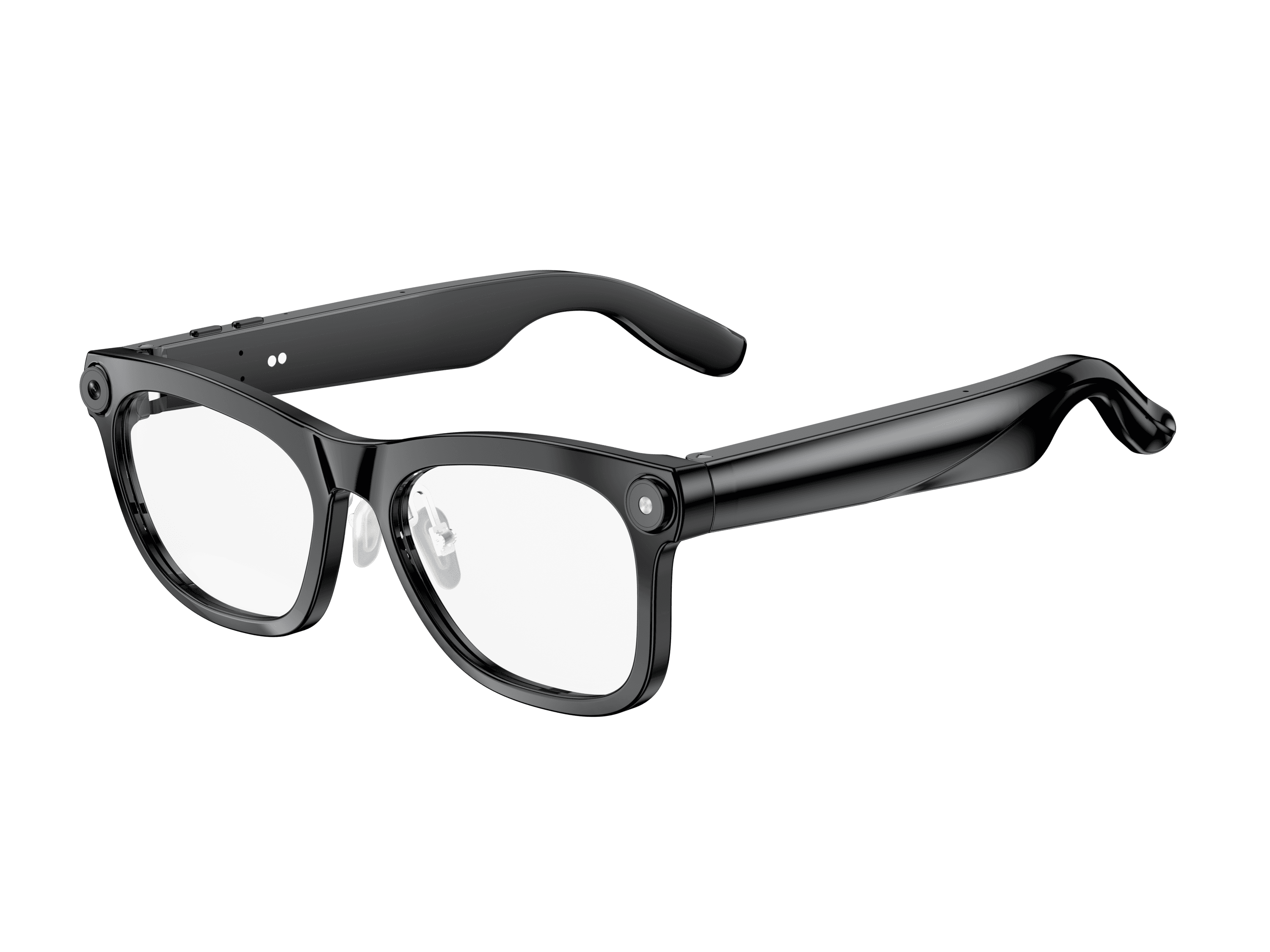 OXIVUE M02C$109 at checkout OXIVUE M02C$109 at checkout | 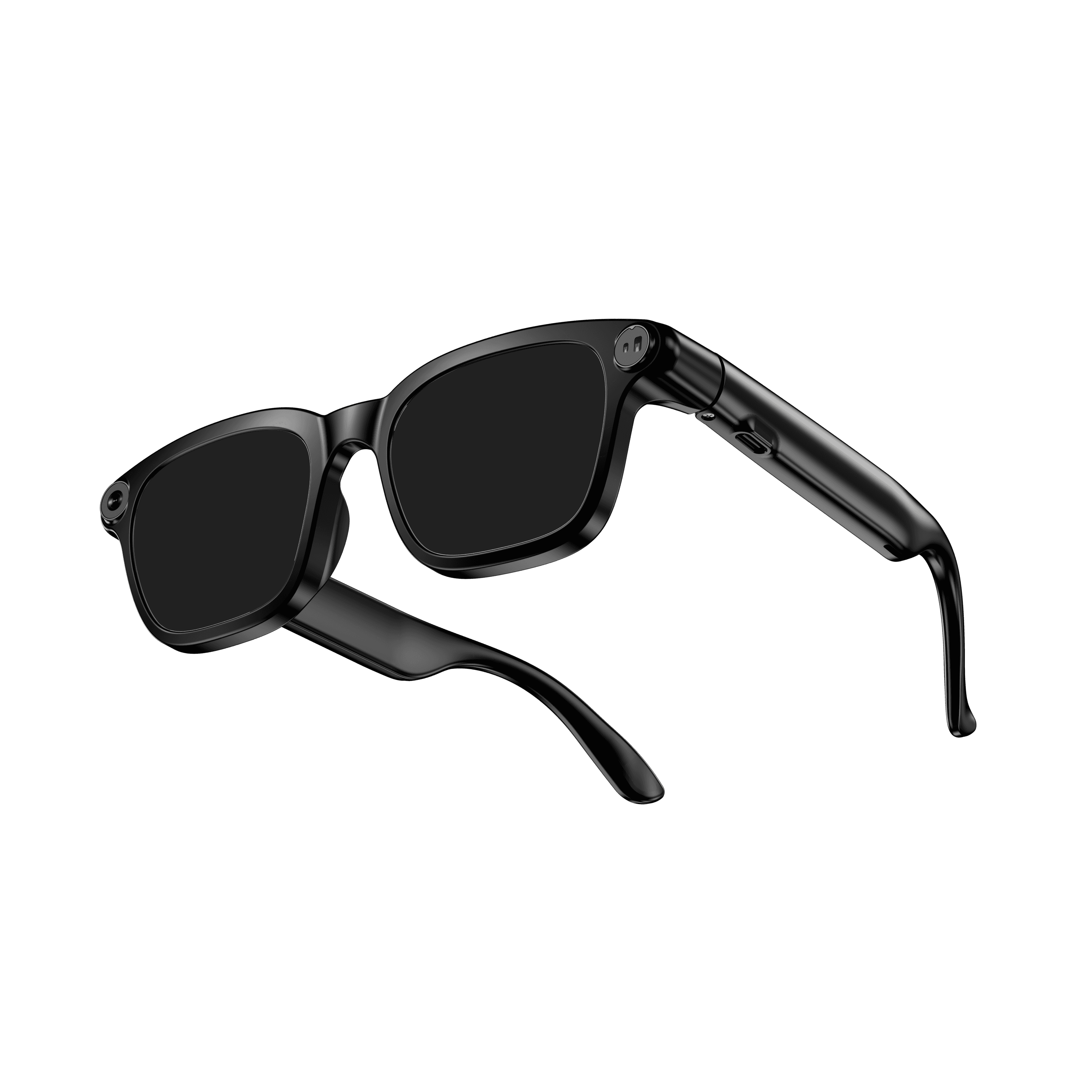 OXIVUE M08$99 at checkout OXIVUE M08$99 at checkout | 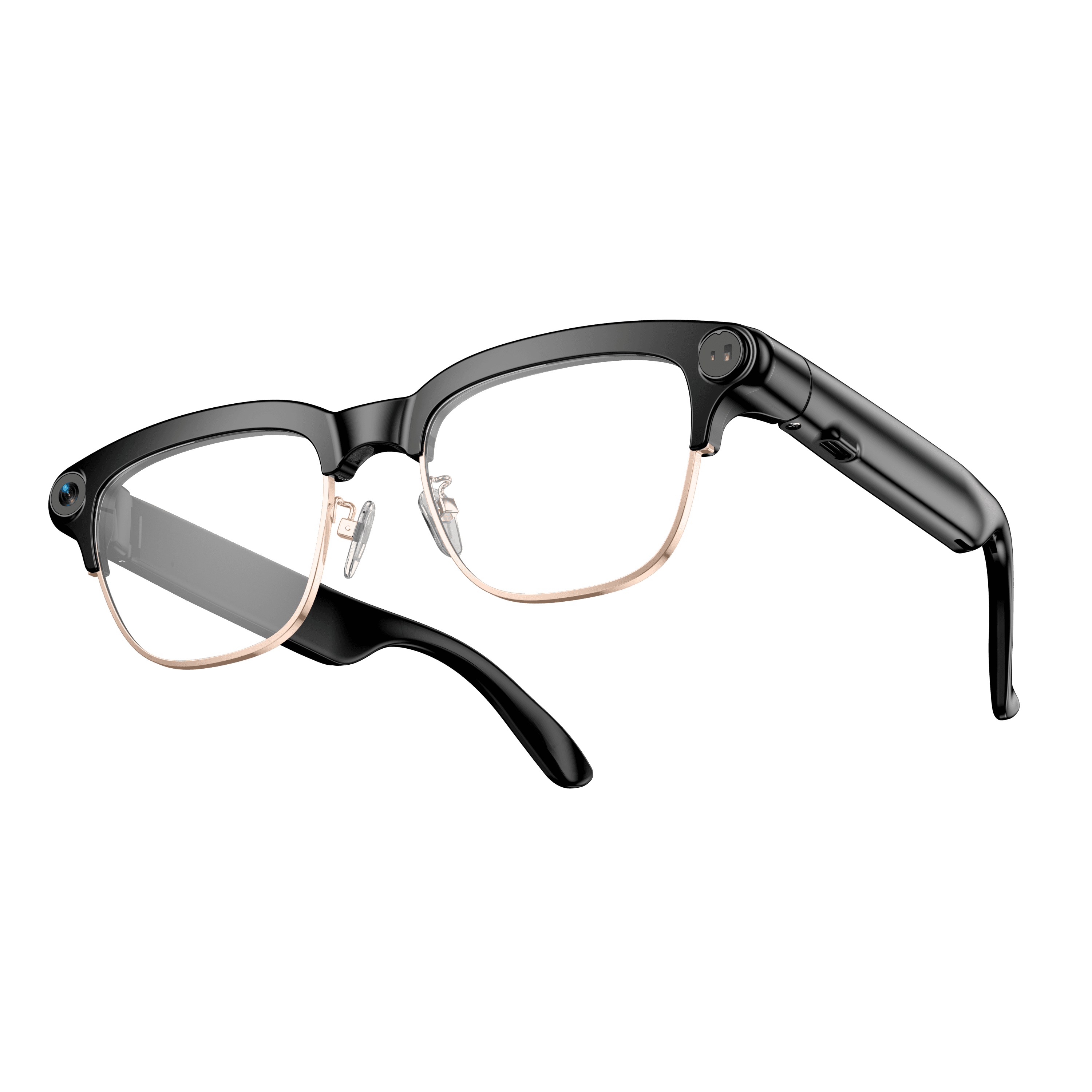 OXIVUE M08C$119 at checkout OXIVUE M08C$119 at checkout | |
|---|---|---|---|
| Camera | 8 MP | 8 MP | 8 MP |
| Weight | ~41 g | ~42 g | ~42 g |
| Water rating | IP65 | — | — |
| Lenses | Sunglasses · Photochromic · Clear | Sunglasses · Photochromic · Clear | Sunglasses · Photochromic · Clear |
| Translation | 40+ languages | 40+ languages | 40+ languages |
| Visual AI | Yes | — | — |
| Metal trim | — | — | Gold · Silver |
From each frame’s product page. Every model: open-ear audio, Bluetooth 5.4, no subscription. Full spec table
What these frames won’t do
- No prescription lenses yet, on any model. If you need vision correction all day, these can't replace your glasses.
- No display. Nothing appears in your view; you hear answers and capture photos and video.
- Open-ear speakers leak some sound at high volume and won't block out a loud train or a windy road the way sealed earbuds do.
- Translation, music, calls and the assistant need your phone nearby and connected. Translation pauses after each sentence, and only you hear the translated audio; the other person reads the reply on your phone.
Check these before you order: see the warranty and refund policy.